The agent release: your docs can now be written by the AI you already talk to, safely.
New
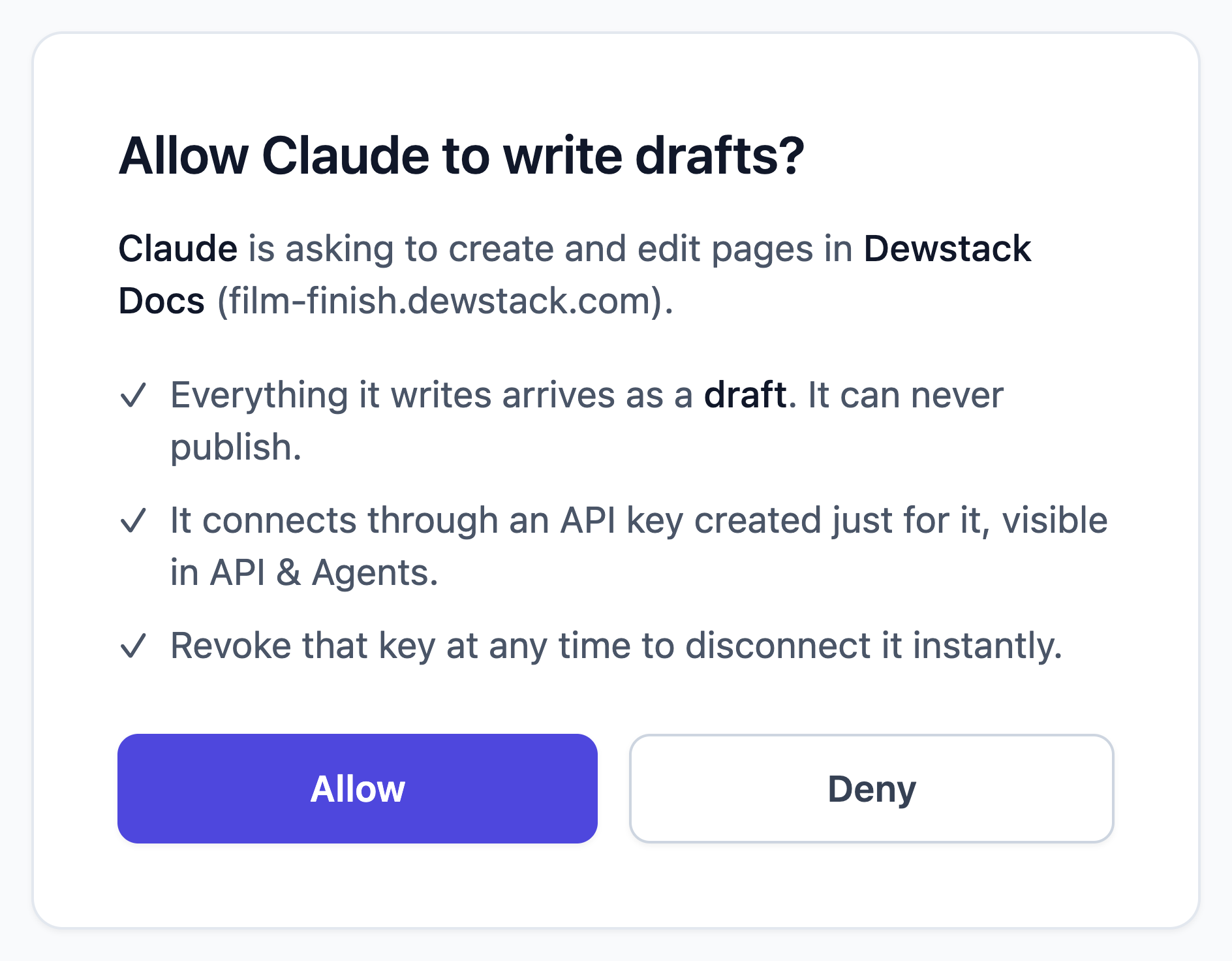
- Agent write connections. Connect Claude to your workspace with a login and an Allow button – no keys, no code – and it can draft and edit pages. ChatGPT works the same way through its developer-mode connectors. Everything arrives as a draft; nothing publishes itself. Let an agent write drafts.
- Write-scoped API keys. Keys now carry a scope, chosen at creation and permanent: read only, or read and write for coding agents like Claude Code and Cursor. Each write key is capped at 500 writes per day. API keys.
- Template library in the dashboard. Twelve fully written templates – SOP Handbook, User Manual, Knowledge Base, FAQ and more – now provision from the workspaces page in one click. Two are brand new: Internal Handbook and Release Notes & Changelog.
- API & Agents, reorganised. The page is now four tabs – Connect agents, API keys, Endpoints, REST API – with connect instructions for reading and writing side by side.
Improved
- Agent edits keep history. When an agent updates a page, the previous version is saved to Page History first, attributed to the connection's name, so rolling back is one click. Page History.
- Key management is Owner/Admin only. Creating keys, revoking keys and approving agent connections now require the Manage SmartDocs permission, matching what the sidebar always implied.
- Workspace plan limits are now enforced by the server as well as the dashboard.

Fixed
- Returning to the workspaces page after creating a workspace now shows the new workspace and the correct plan-limit badge without a hard refresh.
- The retired preset cards (System Design, Personal Notes and the broken User Manual preset) are gone; the template library replaces them.
