You can drop a YouTube video, a Loom recording, a Figma frame, a slide deck or a form straight into
a Dewstack page. There are three routes – Insert Video, Embed URL, and pasting raw HTML in
Code View – and one rule that decides whether any of them survives publication: your docs site
serves https iframes and strips everything else, including scripts.
Embed a video
Insert Video on the editor toolbar takes either a video URL or a block of embed code copied from the provider's Share menu. Paste a YouTube, Vimeo or Loom link and it becomes a player sized to the page.
Embed anything else with Embed URL
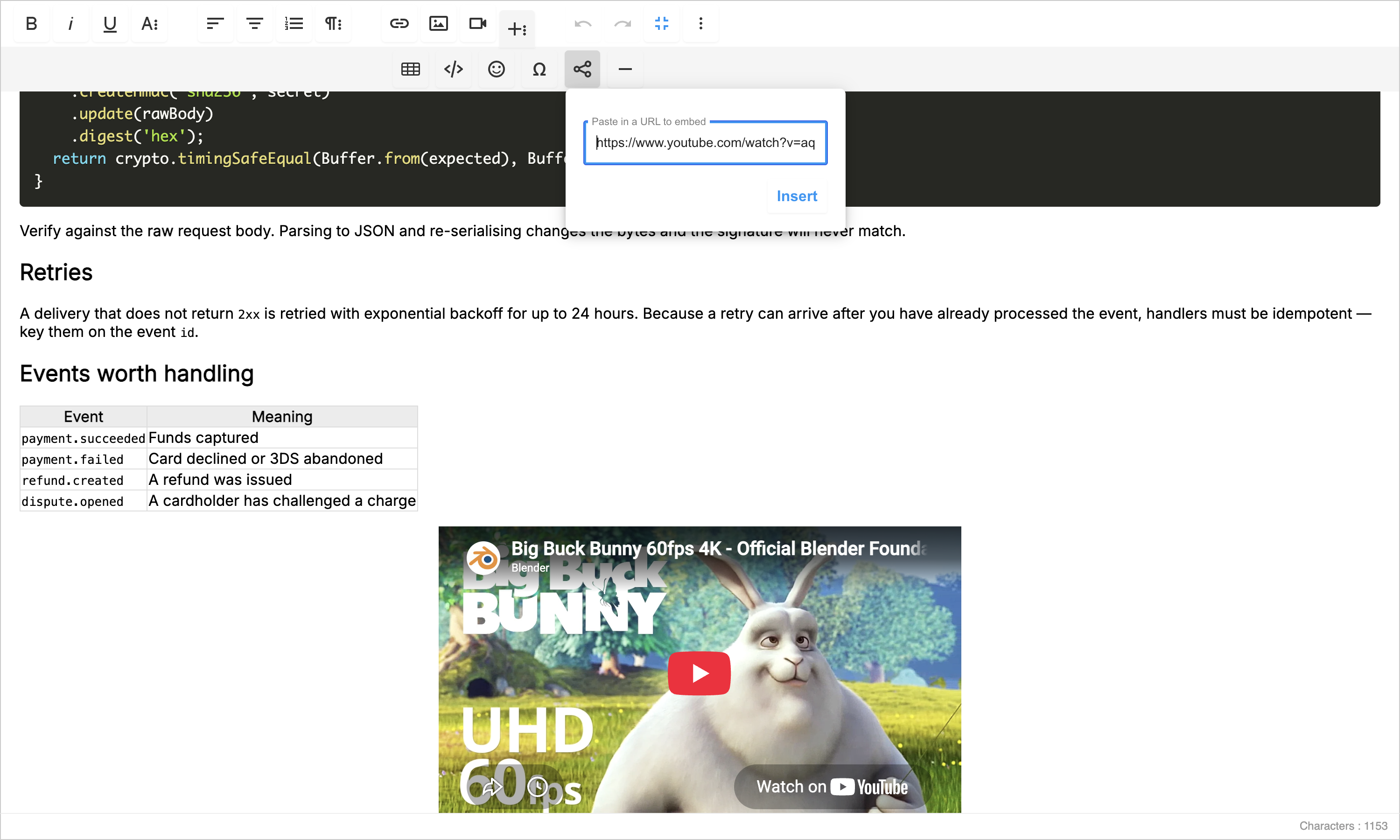
For non-video content, use Embed URL in the toolbar's rich-insert group.
- Copy the shareable link from the source platform.
- In the editor, click Embed URL.
- Paste the link and insert it.
The link is expanded into whatever the source platform offers – an interactive preview for design and code tools, a card for a link with no embed of its own.
Paste embed code by hand
If a platform gives you an <iframe> snippet rather than a link, use Code View on the toolbar.
That swaps the editor for the page's raw HTML. Paste the snippet at the point where you want it,
click Code View again to switch back, and the embed appears in place.
What survives publication
Page content is sanitized on the way out to your docs site, so the editor is not the last word on what readers see. What gets through:
| Element | Kept? |
|---|---|
<iframe> over https |
Yes – with its src, width, height, allow, allowfullscreen, frameborder and title |
<iframe> over http |
No – dropped |
<video> and <source> tags |
Yes |
<script> tags anywhere in a page |
No – always stripped |
So: if your embed is a single https iframe, paste it and it will work. If it is an iframe plus a
<script> tag, the iframe publishes and the script does not.
Some providers need their own script, and page content cannot carry one
Comment widgets, chat bubbles, analytics pixels, calendar bookers, some form builders and anything
that says "add this snippet before </body>" fall into this category. Pasting the script into a
page has no effect – it never reaches the browser.
The fix is to load the provider's script once for the whole site instead of per page: paste it into
Integrations → Custom Script, then leave the provider's container element (usually a <div>
with a specific id) in the page via Code View. See
Custom Script Embed for the setup.
Practical notes
- Use the https version of an embed URL. Providers still handing out
http://embed codes will publish as nothing at all; edit thesrcby hand in Code View. - Private content stays private. An embed of a Google Doc or a Figma file that is not shared publicly renders as a permission error for your readers, even though it looks fine to you in the editor while you are signed in to that platform.
- Check the published page, not the editor. The editor renders raw content; your docs site renders the sanitized version. Preview the page before you rely on an embed.
