Dewstack hosts documentation sites. You write your pages in a rich editor in the Dewstack dashboard, and Dewstack serves them as a fast, themed docs site on your own domain – with search, dark mode and a sidebar built from your content.
Every public Dewstack site also publishes an AI-readable copy of the same content – llms.txt,
a .md version of each page, and an MCP endpoint that Claude, ChatGPT
and Cursor can connect to. That is included on every plan, from the trial upwards, and you don't
have to configure it.
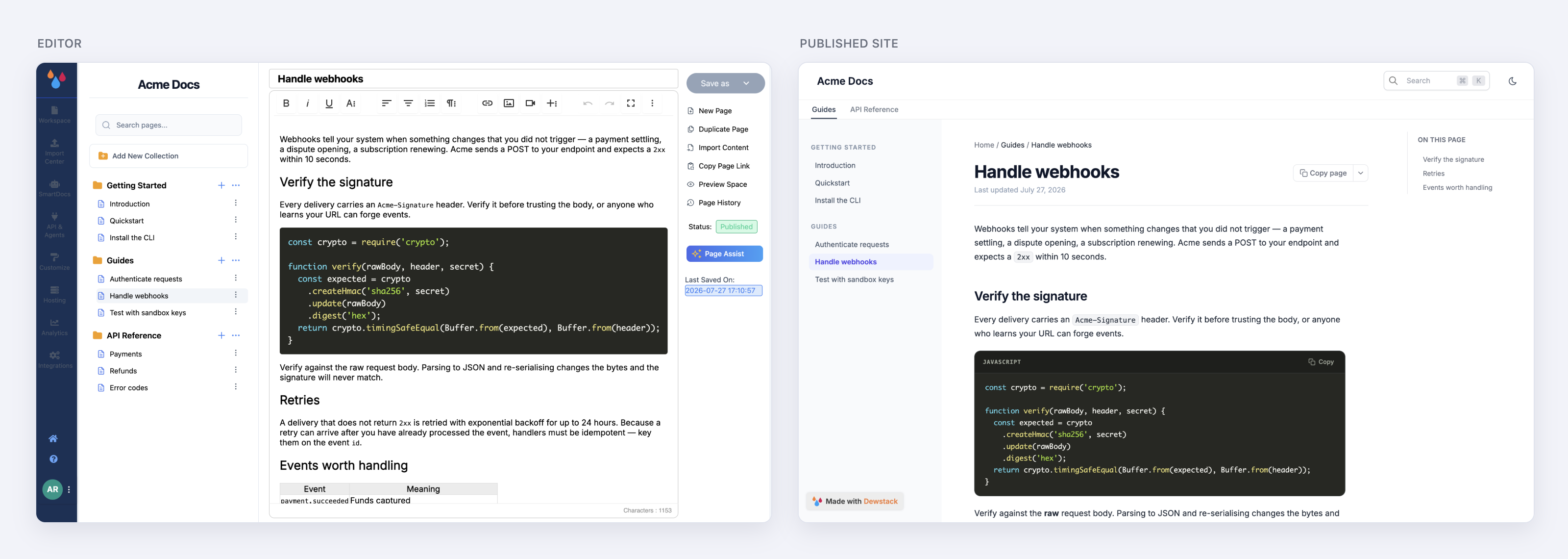
The unit you work in is a workspace: one documentation site, with its own collections and pages, its own theme, its own URL and its own access rules. You can run several – a public product manual, a private internal handbook – and they share nothing but your account.
Where to start
If you already have an account and want a map of the dashboard rather than a tutorial, read Start your Journey.
